Scale Your AI Agent Without Downtime
You can allocate more resources to a Capsule as your application's traffic and computational needs change.
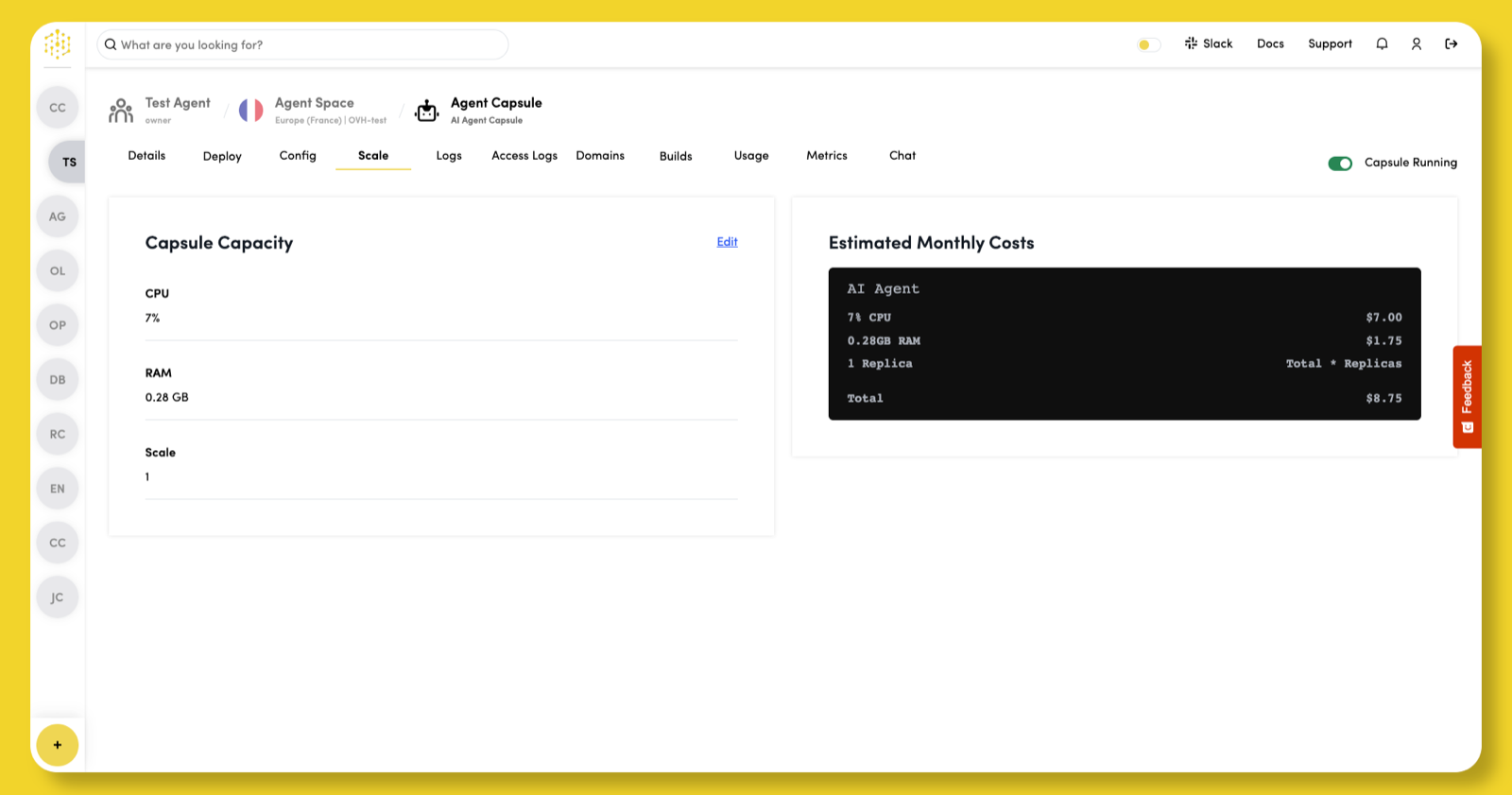
View the scaling options available for your Capsule in the Scale tab of the Capsule dashboard. To adjust the allocated resources, click Edit in the Capsule Capacity section.
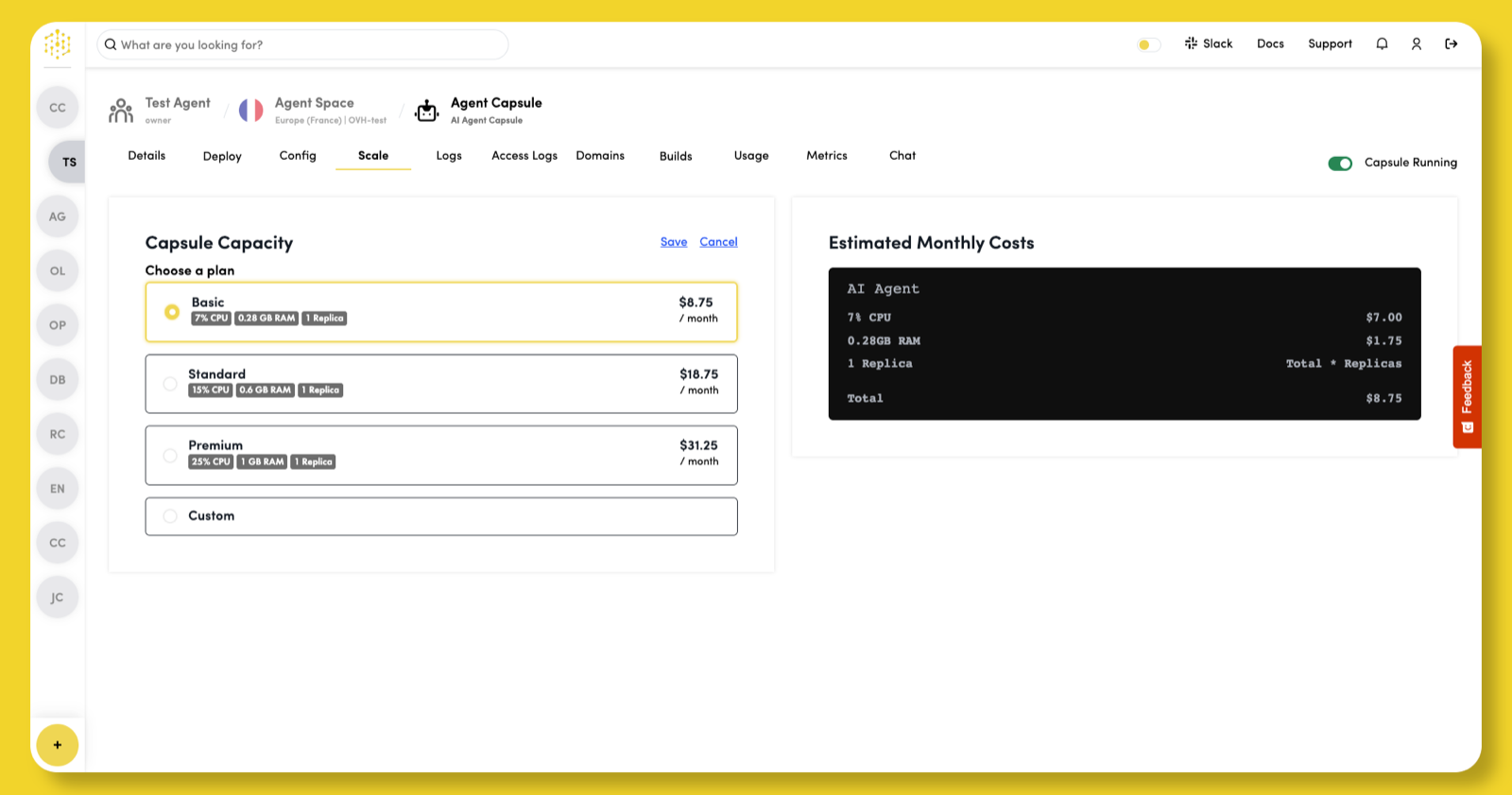
Select a plan, or choose Custom to adjust resources to your requirements, then click Save.
Saving redeploys the capsule with the new resources. It does not start a new build.