Deploy Your DocumentDB Database
DocumentDB is a self-hosted NoSQL document database compatible with the MongoDB API. When you create a capsule in the dashboard, it is presented as MongoDB Compatible.
For new MongoDB-compatible workloads, use a MongoDB Capsule instead. MongoDB Capsules are managed on MongoDB Atlas and receive more active platform support. DocumentDB Capsules remain available for existing workloads that require a self-hosted database inside your Space.
Create a DocumentDB Capsule
- Click New Capsule and select MongoDB Compatible, your Team, and Space.
- On Plan & Deploy, choose a Plan and configure CPU, RAM, Storage, and Replicas as needed.
- Enter a Capsule Name and click Create Capsule.
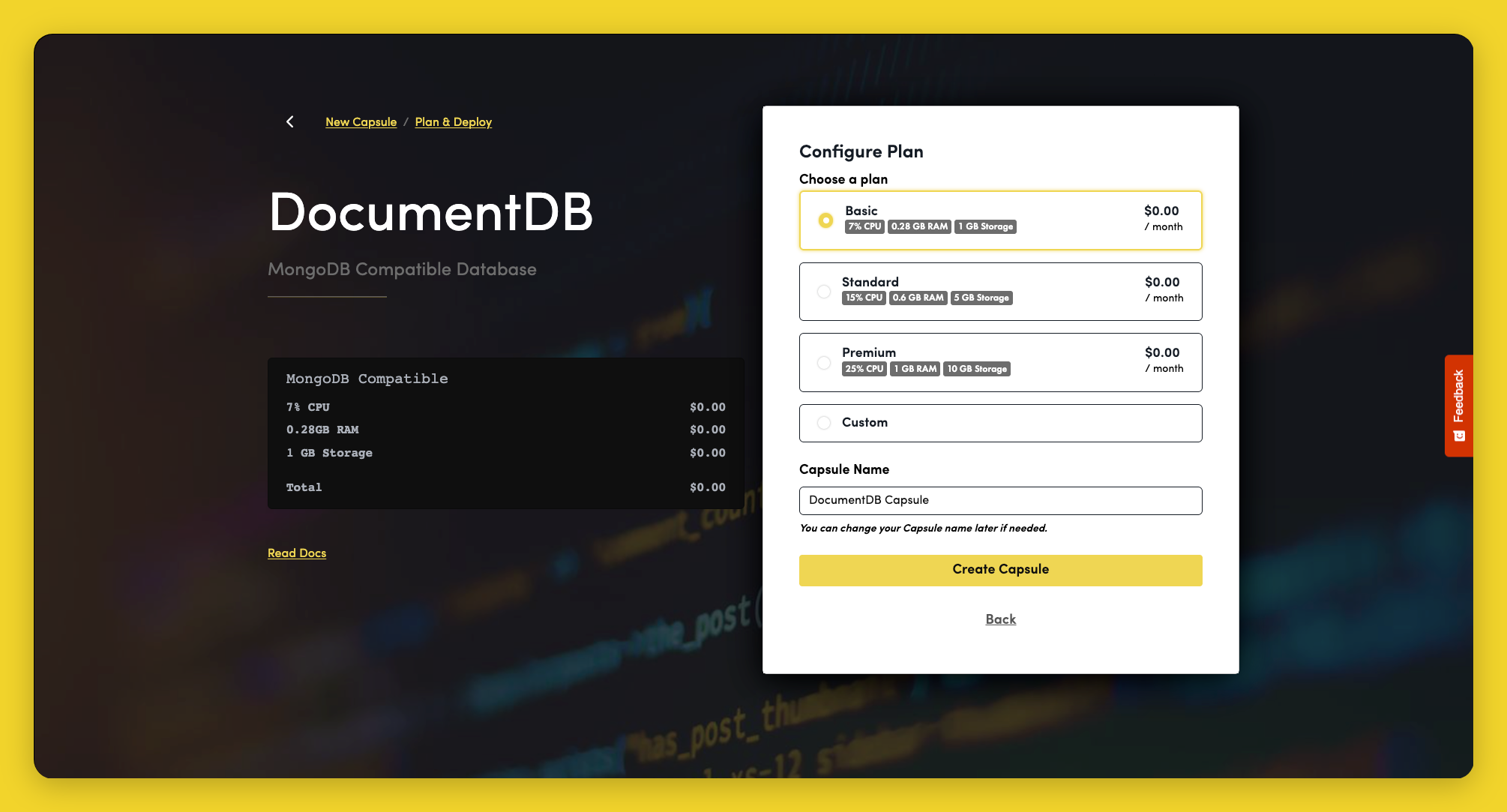
Capsule creation can take several minutes. See Configure for connection details and binding instructions.
Framework Guides
Use the MongoDB guides above and adapt the connection details from your DocumentDB Capsule.