Scale Your DocumentDB Database Without Downtime
Allocate more resources to a DocumentDB Capsule as your workload grows. Open the Scale tab on the capsule dashboard and click Edit in the Capsule Capacity section. You can only edit capacity while the capsule is running.
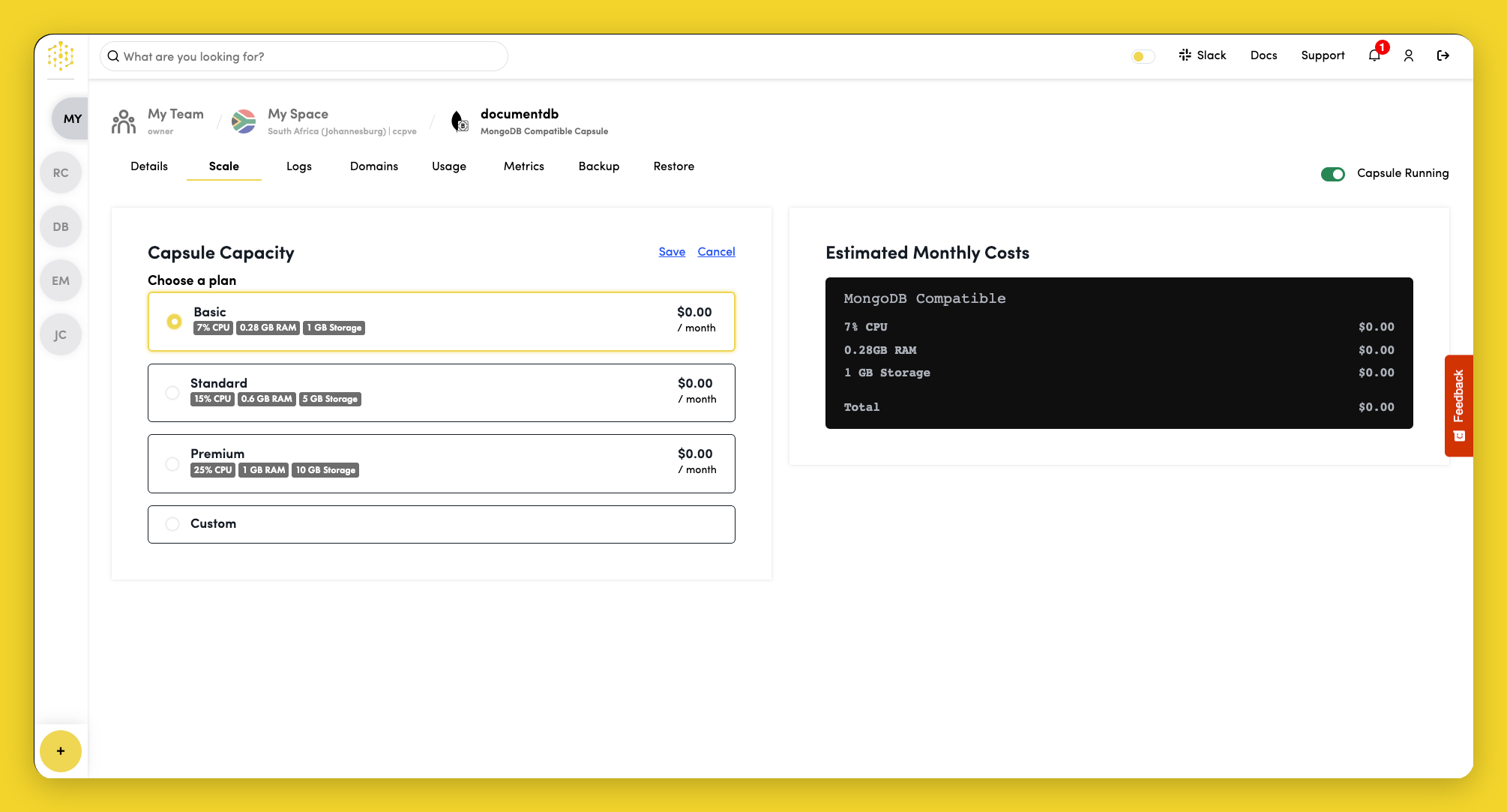
Select a plan, or choose Custom to adjust resources to your requirements:
| Resource | Description |
|---|---|
| CPU | Processing power allocated to the capsule |
| RAM | Memory available to the capsule |
| Storage | Disk space for database data |
| Scale | Number of replicas |
Click Save to apply your changes.
The right-hand panel shows estimated monthly costs for your selected plan.
tip
For managed scaling, version upgrades, and Atlas-backed operations, consider migrating to a MongoDB Capsule.