Scale Your MongoDB Database Without Downtime
MongoDB Capsules scale differently depending on cluster type. Open the Scale tab on your Capsule dashboard to view and change capacity.
View Capacity
The Capsule Capacity section shows your current resources:
- Dedicated clusters — CPU, RAM, Storage, and Replicas (3, 5, or 7).
- Shared clusters — Shared CPU, Shared RAM, 5 GB Storage, and 3 Replicas.
Change Capacity
Click Edit in the Capsule Capacity section to change your plan.
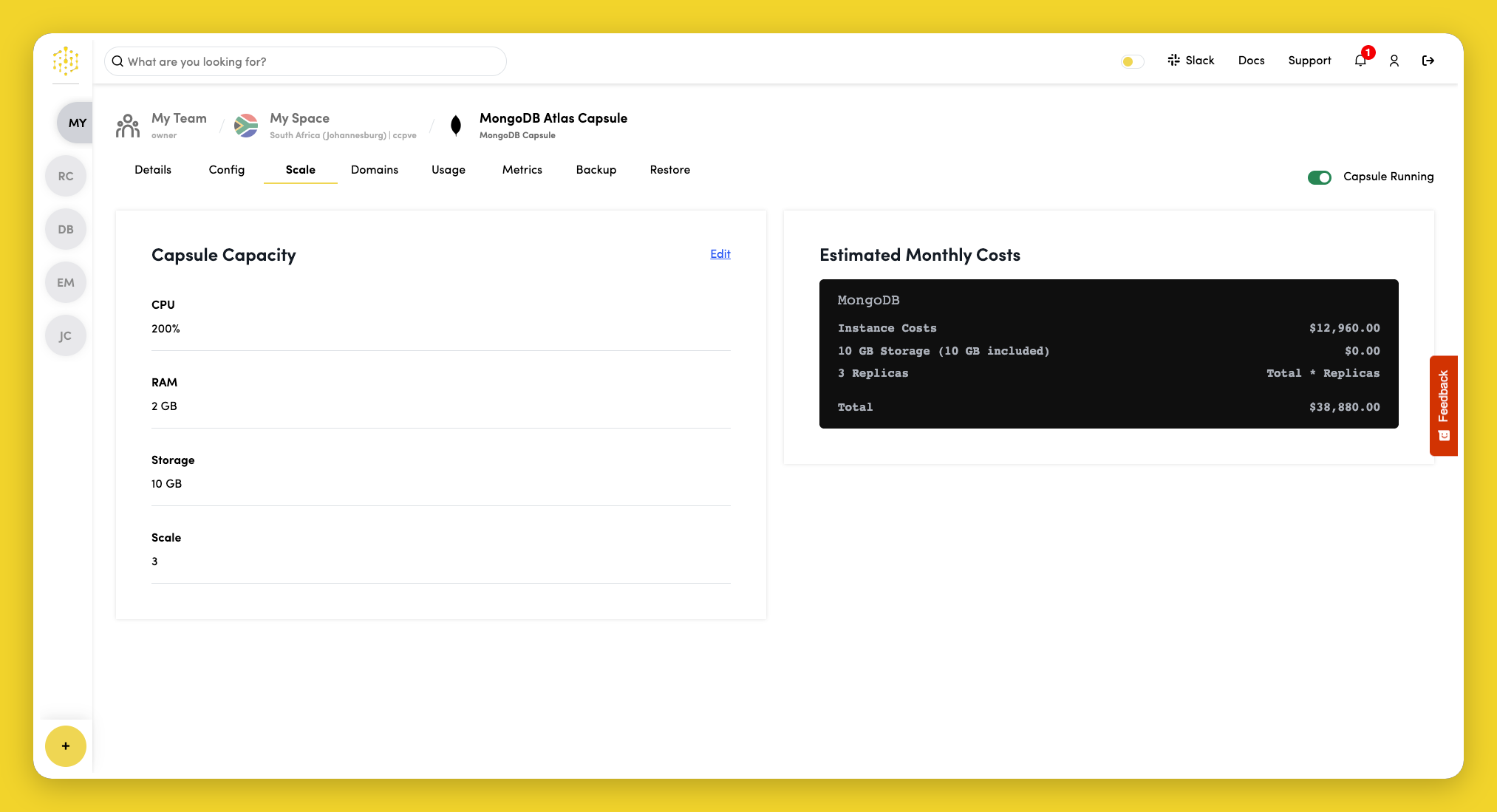
Dedicated clusters
Select an instance plan. You can also adjust Storage and Replicas below the plan list. Click Save when done.
You cannot edit capacity while the capsule is creating or updating, or when it is stopped.
Shared clusters
Shared clusters have fixed storage (5 GB) and replicas (3). To change instance size or adjust storage and replicas, upgrade to a Dedicated cluster:
- Click Edit in Capsule Capacity.
- Check Upgrade to a dedicated instance.
- Select a Dedicated plan and configure storage and replicas.
- Click Save.
A Shared cluster can be upgraded to Dedicated at any time. The upgrade cannot be reversed from the dashboard.
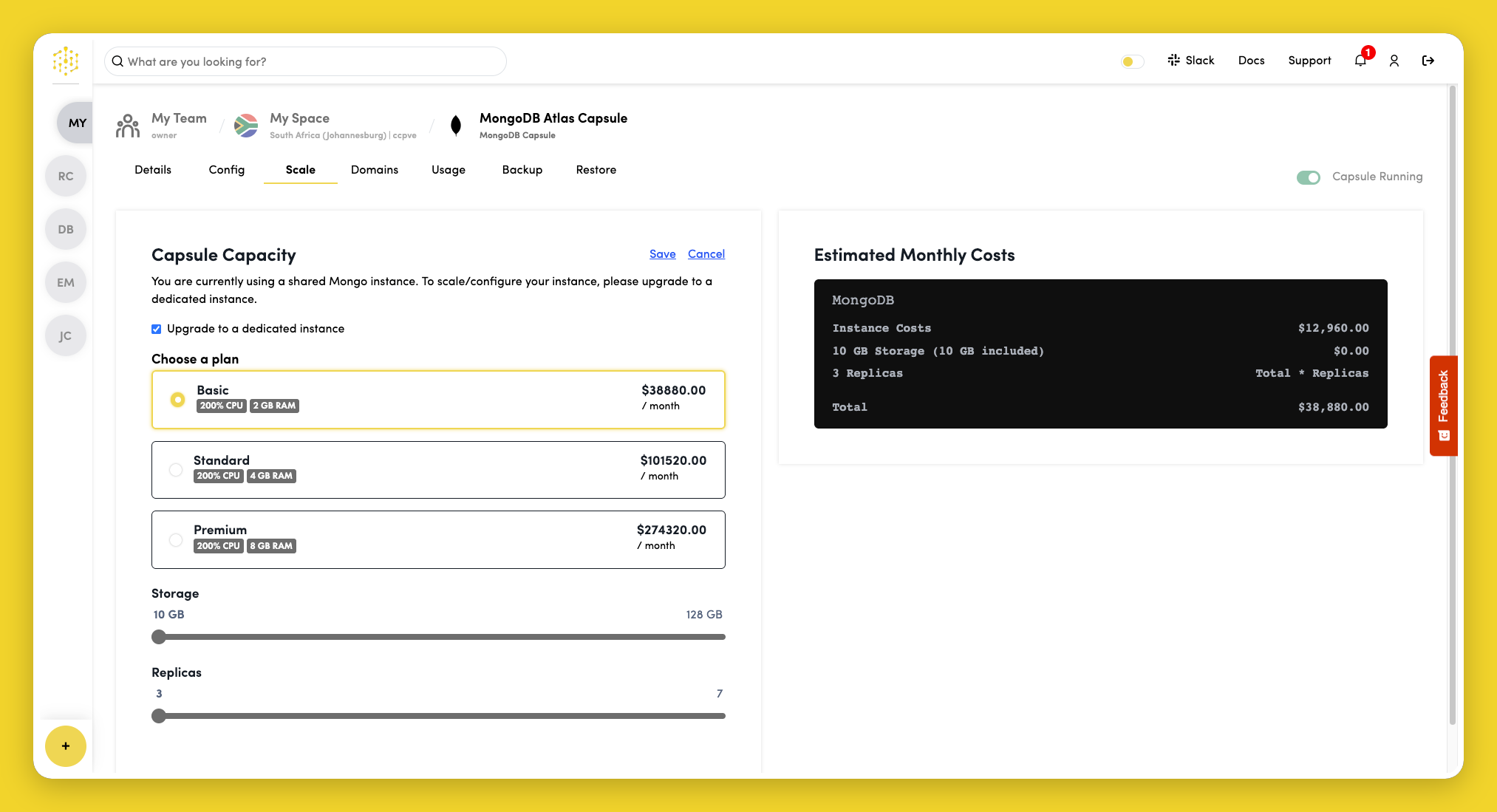
Estimated Costs
The right-hand panel on the Scale tab shows estimated monthly costs for your selected plan. Shared cluster pricing is based on operations per second and varies by usage tier.