Deploy Your MySQL Database
MySQL Capsules provide a managed MySQL database for your applications on Code Capsules. When you create a capsule in the dashboard, it is presented as MySQL.
Create a MySQL Capsule
- Click New Capsule and select MySQL, your Team, and Space.
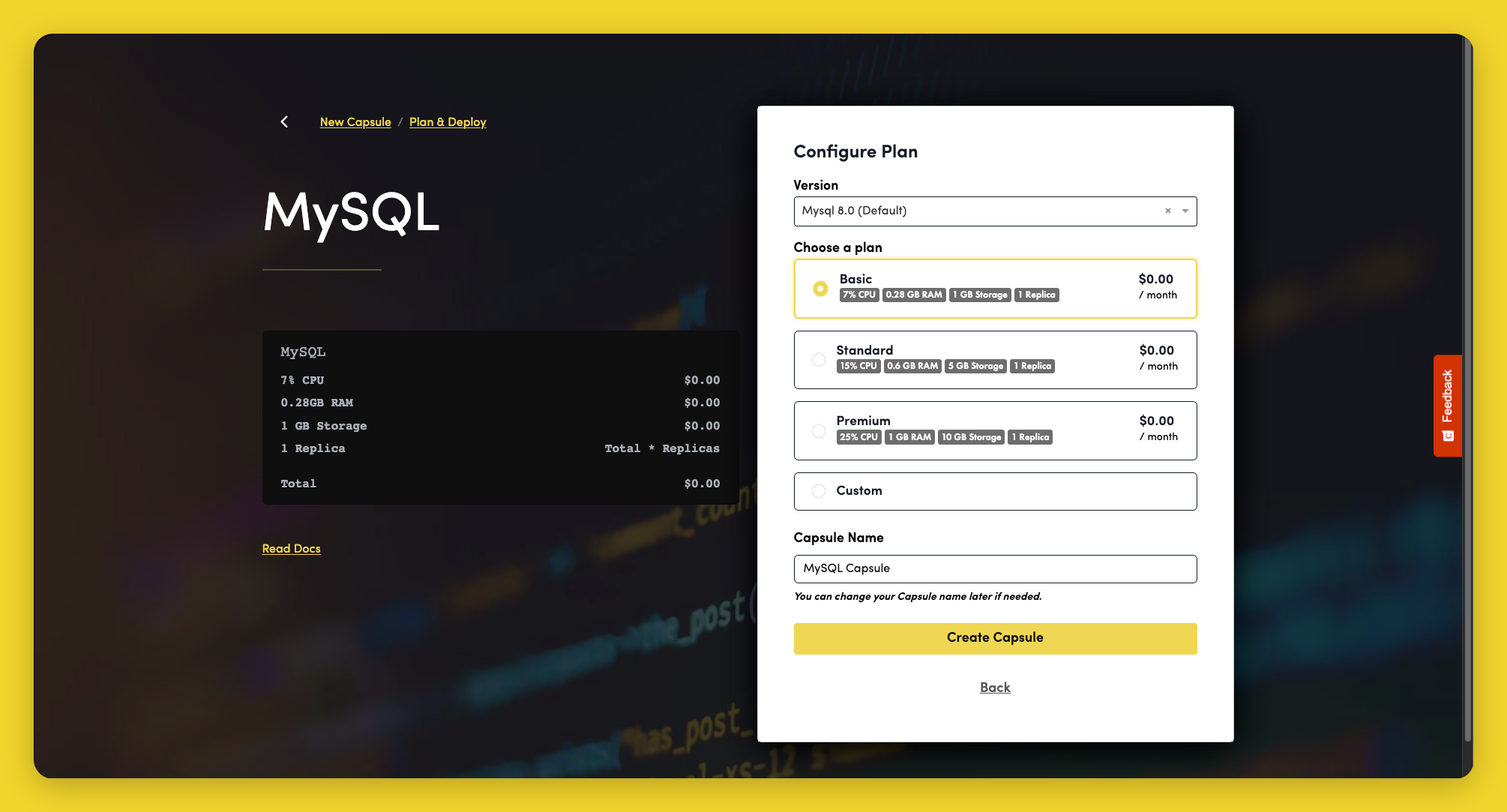
- On Plan & Deploy, select a Version. See Versions for supported options.
- Choose a Plan and configure CPU, RAM, Storage, and Replicas as needed.
- Enter a Capsule Name and click Create Capsule.
Capsule creation can take several minutes. See the MySQL getting started guide for connection and binding instructions.