Configure Your PostgreSQL Database
Configure a Database Capsule in the Details tab of the Capsule dashboard.
View Connection Details
The Details tab provides connection details for a Database Capsule.
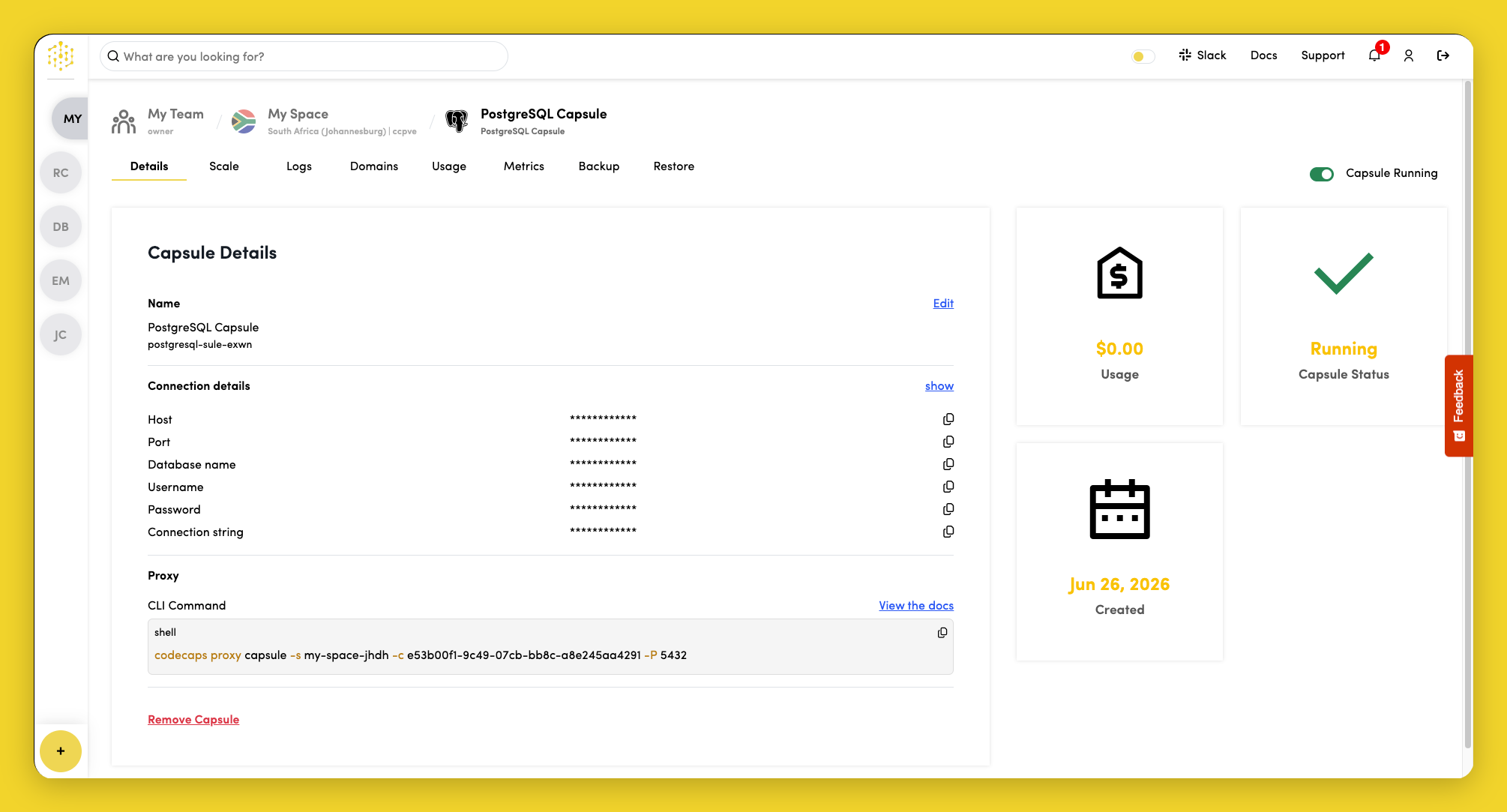
Click show in the Connection Details section to view database credentials:
- Host
- Port
- Database name
- Username
- Password
- Connection string
Connect from Your Local Machine
PostgreSQL Capsules are not publicly accessible. To connect from your laptop—for example, to run SQL or restore a backup—open a secure tunnel with the Code Capsules CLI and connect with psql or other PostgreSQL client tools. See Connect Locally for the full workflow, client installation, and examples.
Edit Capsule Name
To change the name of the Capsule, click Edit next to the Capsule name in the Capsule Details section.