Monitor Your Docker Container Performance
Each Docker Capsule tracks resource usage over time. Open the Metrics tab on the capsule dashboard to view performance data.
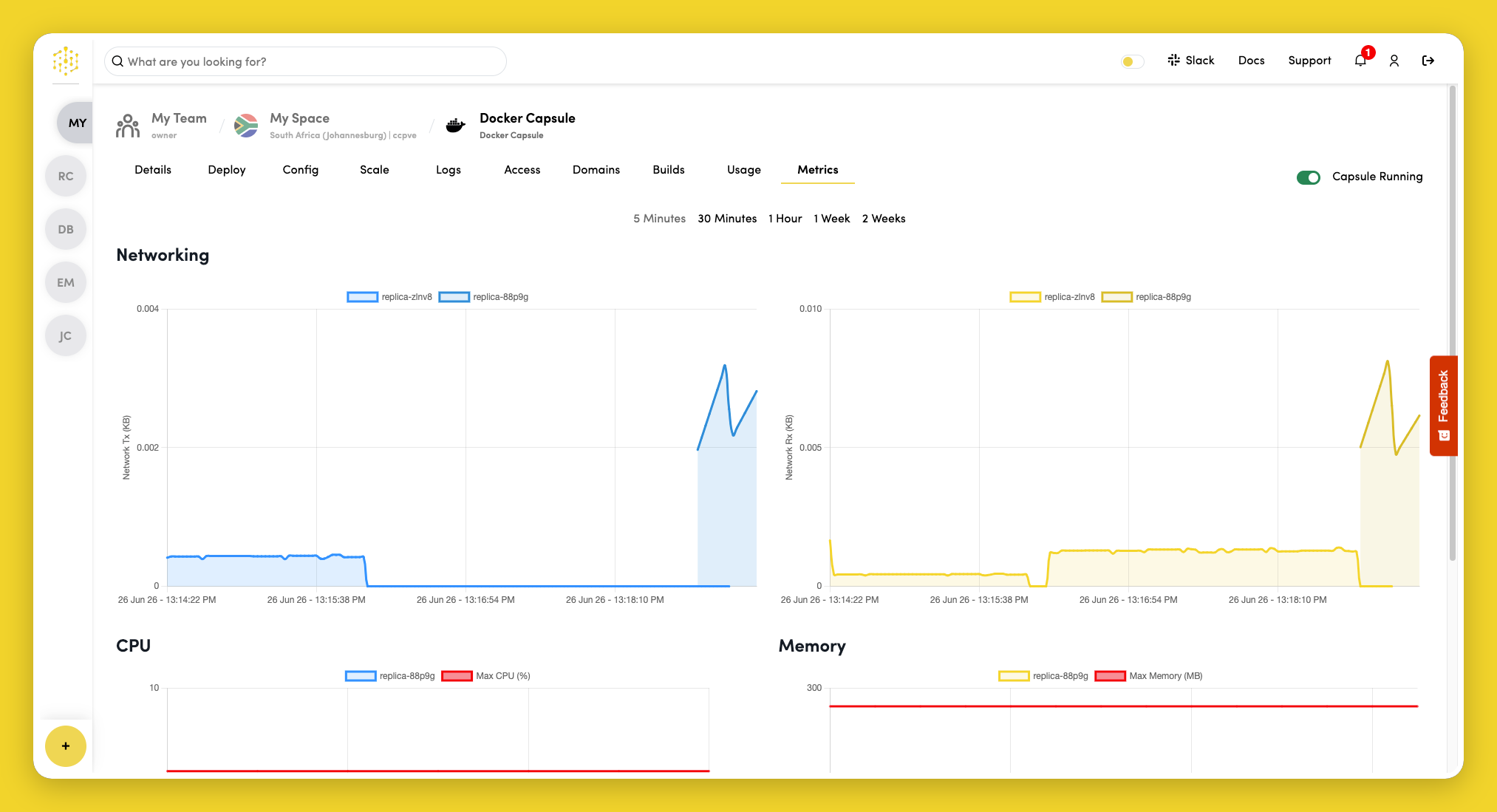
Available metrics
| Metric | Description |
|---|---|
| CPU usage | Processor utilization across replicas |
| Memory usage | RAM consumption across replicas |
| Network transmit | Outbound network traffic |
| Network receive | Inbound network traffic |
| Storage usage | Disk utilization when applicable |
When running multiple replicas, metrics reflect usage across all active instances.
Next steps
- Sustained high CPU or memory usage may indicate a need to scale resources or add replicas.
- Unexpected changes after a deploy may point to a regression — check Logs and consider rolling back to a previous build.
- Configure notifications to be alerted when thresholds are exceeded.