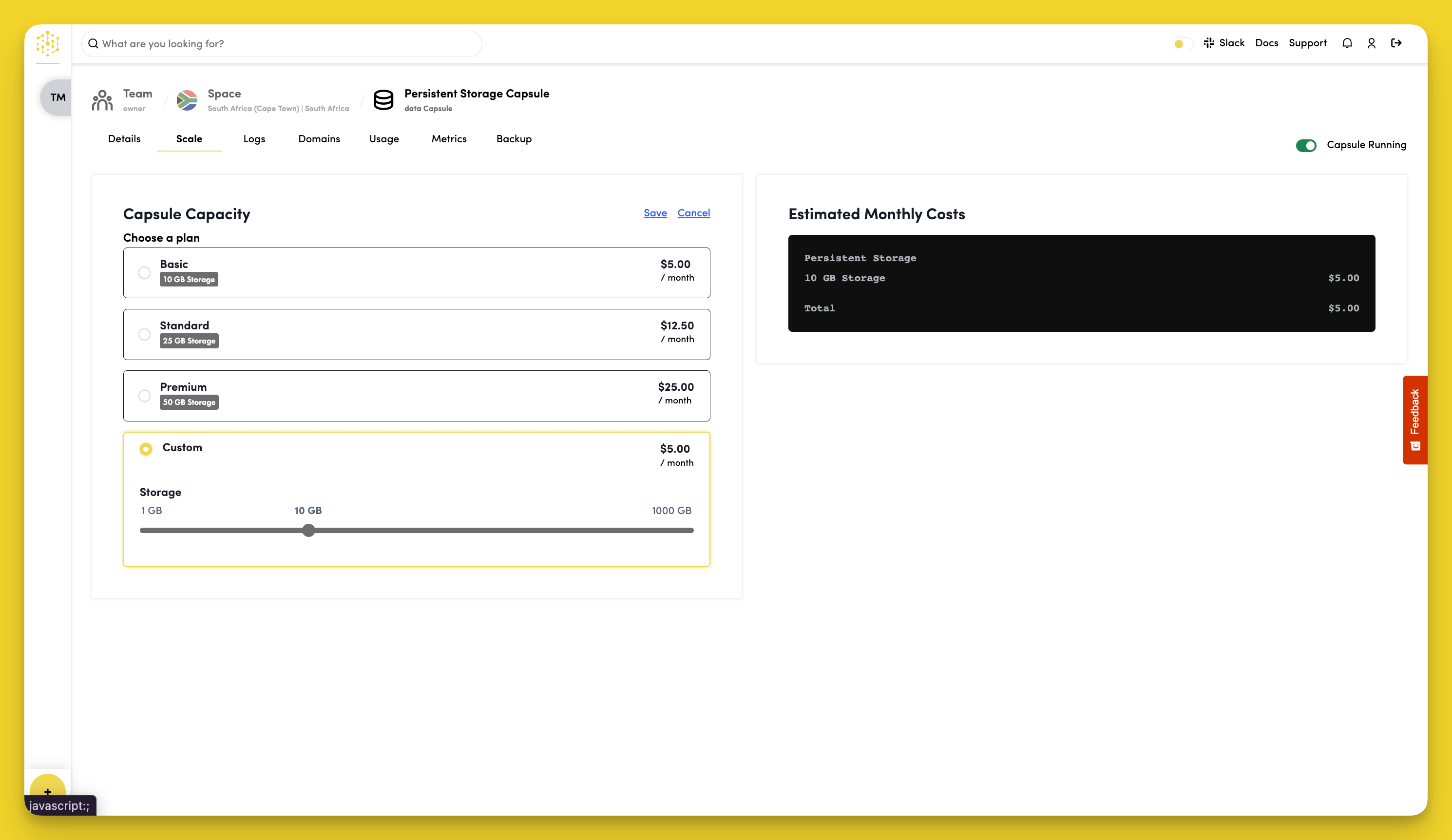
Scale Your Persistent Storage Without Downtime
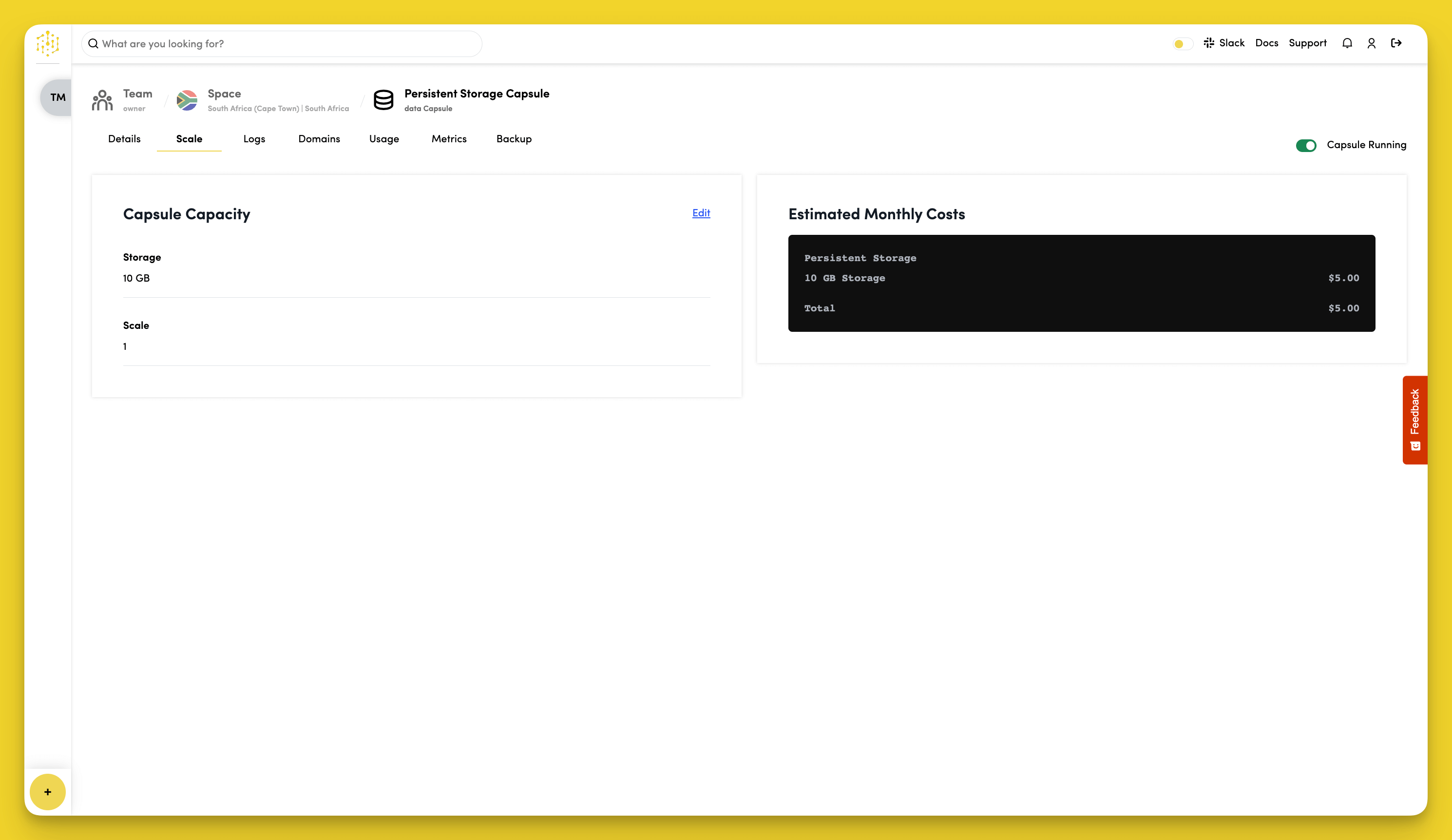
It is possible to allocate more resources to your Capsule depending on how much traffic your application will be getting and its computational needs. To view the different scaling options available for your Capsule, navigate to the "Scale" tab while on your Capsule's dashboard, and click the "Edit" button in the "Capsule Capacity" section.
Select a plan, or choose Custom to adjust resources to your requirements. Click Save when done.